WEEK 6
updated 2/16/2025
Feedback From Mentors:
Vi:
shot 4: sharp the watch; light more dramatic
shot 5: Gears
shot 6—the reveal—use lighting to lead to the final reveal
Hailey:
reframe better; watch out for harsh edges
shot 5: Get more light on gears
shot 6—still tight *
Emma:pam
shot 6: Hold and pull out
shot 4: overlit
Molly:
shot 4—needs to be longer; want to see the watch fully immersed
shot 4: subtle push into the watch and then push out—the camera can tie it together
shot 4: lighting feeling flat/edge light picking up the bevel
shot 5: no glass being picked up/animated a card
shot 6: speed upstart and then have some time to settle on watch
shot 4: The background is dark
shot 4/5—transition needs work
Render Tests
Render test at normal speed, lighting, camera and rendering are done by Caleb
Render test at normal speed, wide shot
This is what the simulation looks like with a wider camera.
Considering we are using a super close-up camera angle, this version of the simulation is kind of a waste of space.
Even with a wider camera angle, there are not many details to see.
Sim at normal speed
Reference
reference
The mentor asked to extend this shot until the watch was completely submerged.
However, I can't show the entire process within 72 frames if I use slow motion, so I tried using regular speed instead. In the end, the watch does get fully submerged in water, but the process still feels too long. This is because the simulation scale is relatively large, causing the water level to rise slowly.
Another issue is that since this is an extreme close-up shot, the water's surface needs to have very fine details. However, given the current simulation scale, my computer's processing power struggles to achieve this level of detail.
So, next, I plan to reduce the simulation scale and add more substeps to create a slow-motion effect. I will also further decrease the particle separation to enhance the details of the water surface.
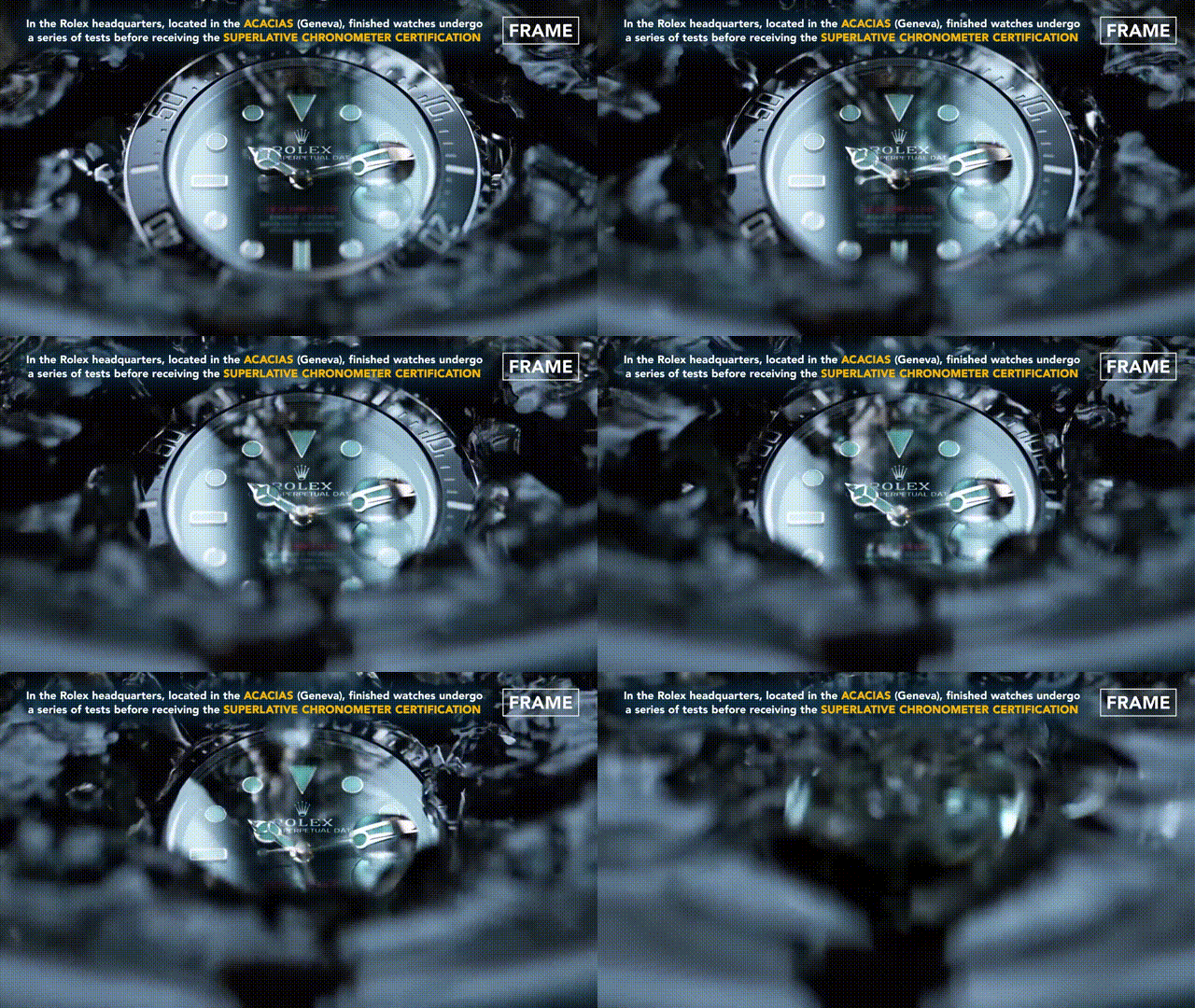
I wondered if we could add a shot after Shot 4 to show the watch fully submerged underwater. This way, Shot 4 can focus more on the details of the water surface.